
Roles and the tools they can open

Sign in to open the homepage for your role. Athletes, coaches, families, and staff each see the tools they can access. This page lists what each role can view, post, and edit.

Athlete

Open Home, Schedule, Courses, Games, and Chat on your phone.

Student-athlete studying at a library desk with a practice bag on the floor

Schedule

Home lists today's events. Use Schedule to view lifts, classes, practices, games, meetings, and travel. Choose Day, Week, Month, or Year.

Courses

Open Courses to view your classes, assignments, GPA, and eligibility. This record belongs to your account.

Chat and announcements

Chat is for teammates and coaches. Announcements from your team or department appear in a separate list. Unread counts apply to your account only.

Coach

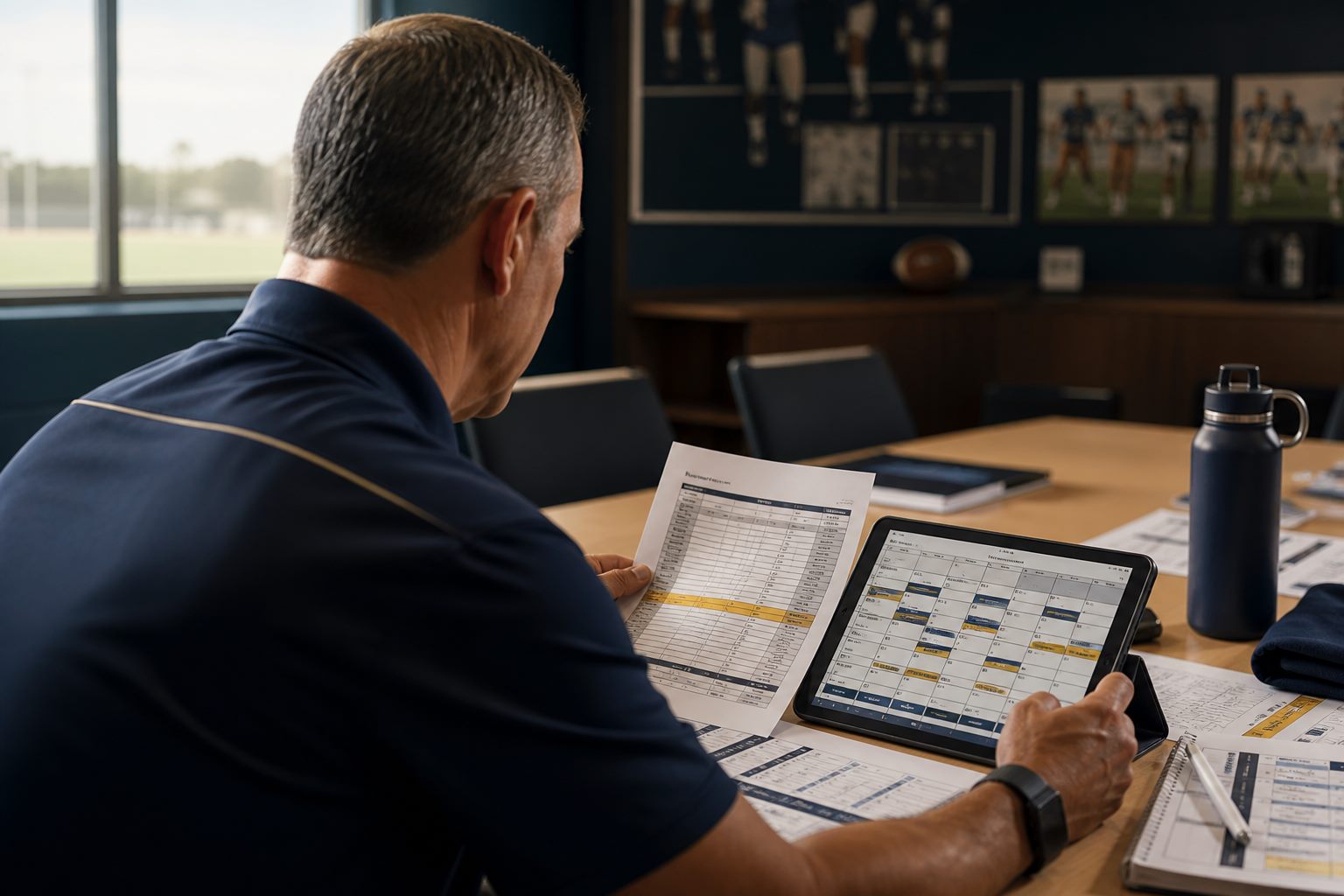
Use Schedule, Team, Travel, Chat, and Announcements for the teams you coach.

Coach reviewing a printed roster and a tablet schedule in a staff office

Team

You can view events, roster, and chat for the teams assigned to you.

Travel

Staff can start an itinerary. You can add team details. After you publish, athletes and linked families can view the same departure time and hotel.

Announcements and email

Post an announcement to athletes. Include families when the update is about travel. Email sends from your campus mailbox.

Grades

Grade access starts off. You can view an athlete's grades after that athlete allows coaches. Eligibility can appear for compliance. GPA appears after the same setting is on.

Family

View the linked athlete, published games, travel, and announcements.

Parent checking a travel itinerary on a phone at a kitchen table

Linked athlete

You can view name, team, jersey, and the events the athlete has allowed for family. The department sets this link when the account is created.

Games and travel

Published games and travel show date, place, departure time, hotel, and return. This screen updates when a coach or admin publishes a change.

Courses

Grades, GPA, and class details appear after a signed FERPA release that names those items and is still valid. Travel and the team schedule require the family link only.

Announcements

Coaches and staff can include families when an announcement is about travel, parking, or a public game time.

Department Admin

Use Programs, Schedule, Travel, and Announcements for every team.

Athletic department workstations overlooking a campus field

Schedule and Programs

You can view every team. Import a CSV, add or remove people, then publish. Athletes and coaches see the updated week after you publish.

Announcements and email

Post a department announcement to every team or to named people. Email sends from your campus mailbox. Roster and schedule saves write on the server.

Travel

Start an itinerary. Coaches can add team details. Families see hotel and bus times after you publish.

Chat and grades

Chat stays between the people in the conversation. Use Email and Announcements for official updates. Grade access follows the coach setting. The athlete has to allow it.